Account Management
STEP-BY-STEP GUIDE
01. Navigate to Settings
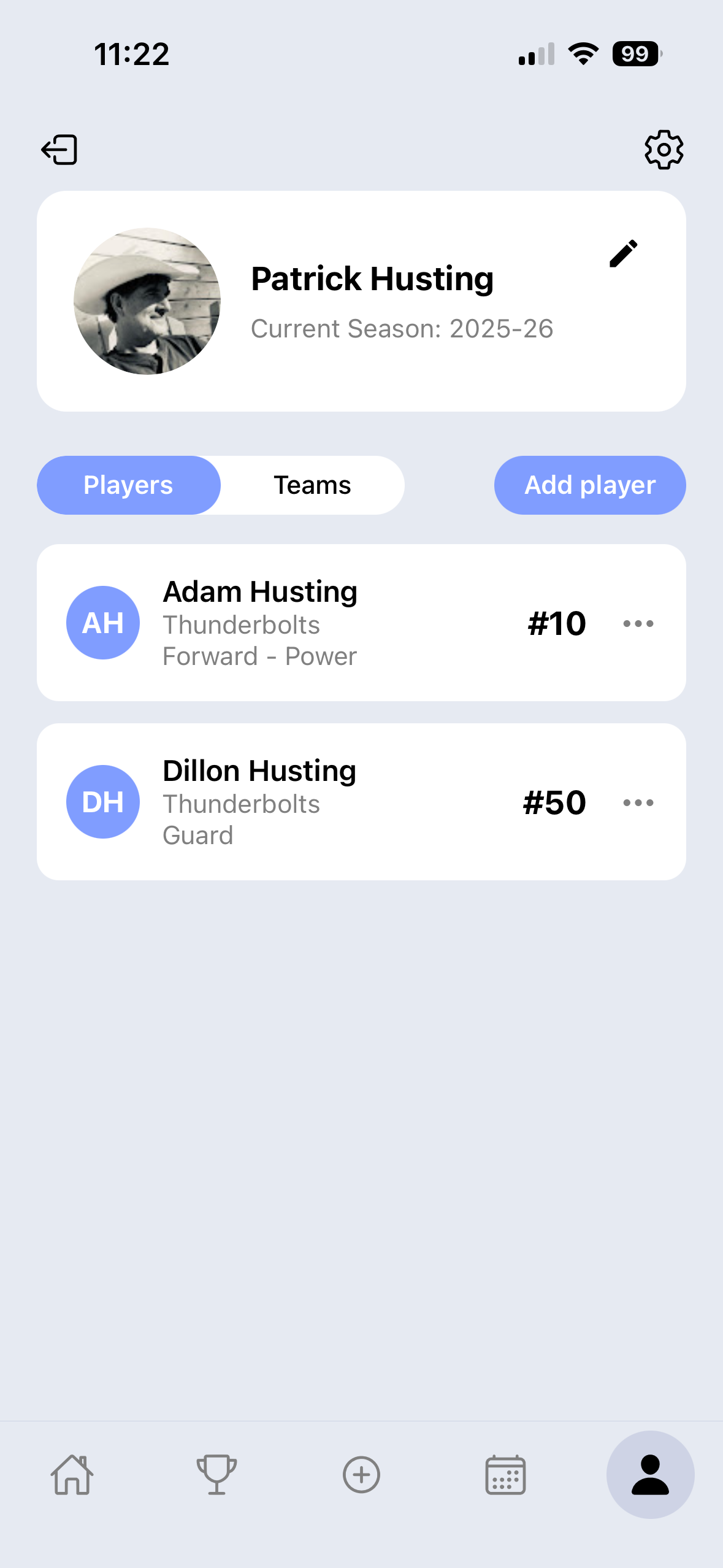
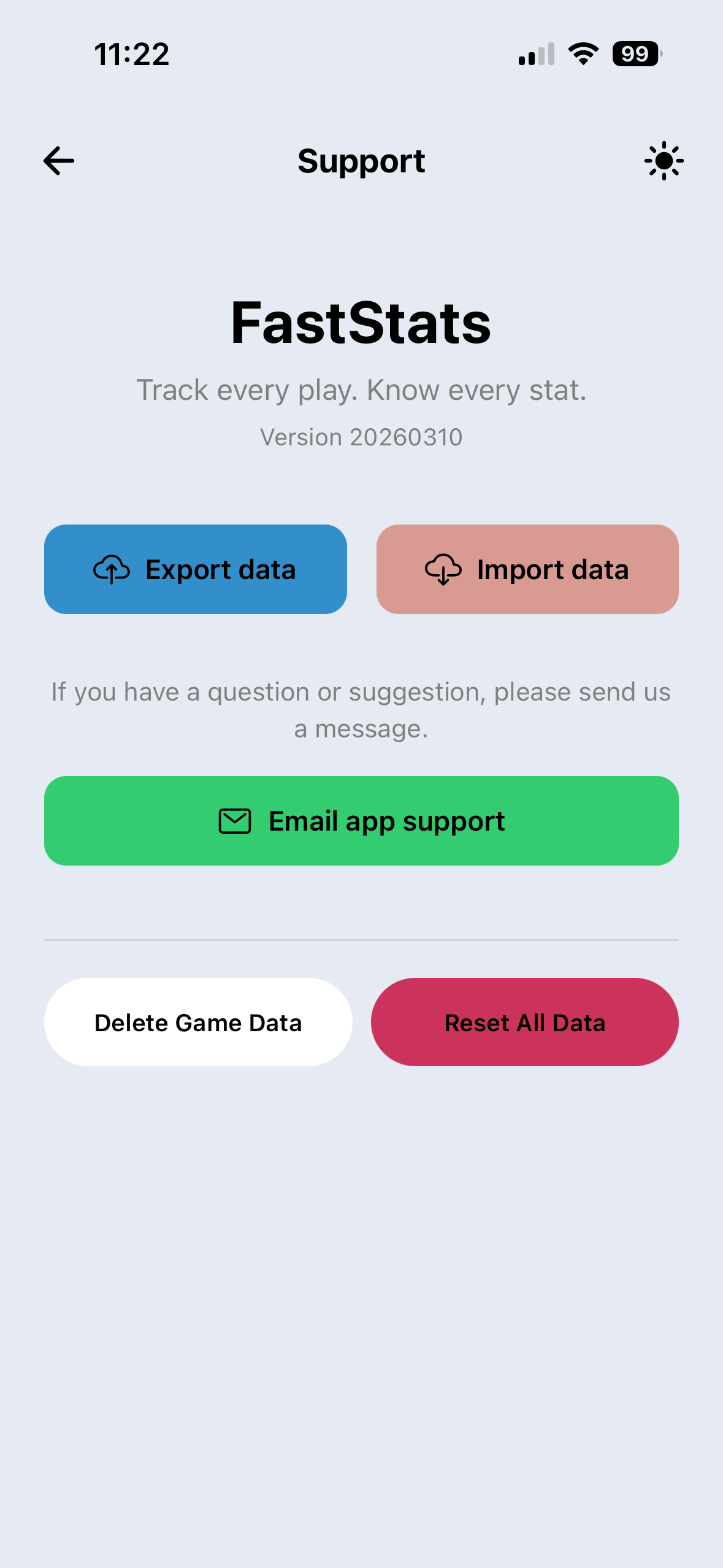
Open the Fast Stats Sports app and head to your profile or settings menu. Look for the account options where you'll find the "Delete Account" button.
- Log in to your account
- Open the main menu
- Select 'Delete Account' from the list
02. Confirm Deletion
Once you click delete, you'll be asked to confirm your choice. This action is permanent and will remove all your saved stats, teams, and personal information.
- Review the confirmation message
- Confirm you wish to proceed
- All data is immediately cleared
Having trouble? Contact us at support@faststatssports.com for assistance.